How to ByPass Redmi Note 9 Merlin Pattern or PIN
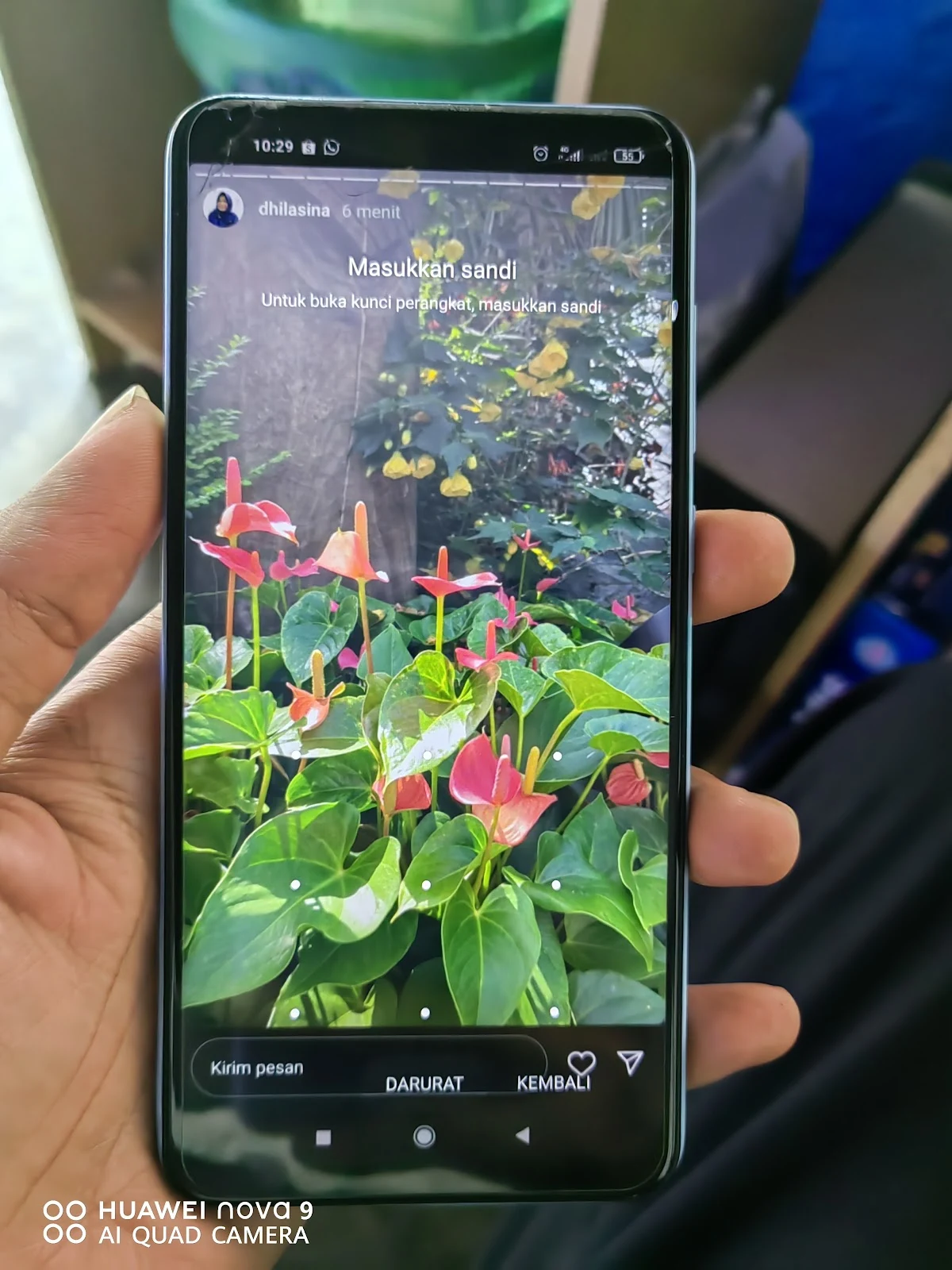
A few days ago I had an Android user Xiaomi Redmi Note 9 Merlin, where his Android Xiaomi Redmi Note 9 Merlin had a problem, namely the pattern was locked because he forgot the pattern that was made earlier. To solve the pattern-locked Xiaomi Android, including the Redmi Note 9 Merlin, we can use the help of the Hydra MediaTek Tool Application.
Here are the steps to Bypass the Xiaomi Redmi Note 9 Merlin Pattern or PIN using the Hydra MediaTek Tool Application:
- Run the Hydra MediaTek Tool Application
- For Brand, leave Auto, then click BOOT/INFO to check and turn off that the Redmi Note 9 Merlin is in normal condition and can be read well by the Hydra MediaTek Tool Application
- Connect the Redmi Note 9 Merlin with the computer while pressing the Volume Up and Down buttons simultaneously
- When the Hydra MediaTek Tool application detects and reads the Redmi Note 9 Merlin device, release the key press
- After the checking process is Done, Select the Service Menu Tab, Select Format/Factory Reset/Screen Lock then Click Execute
- Wait for the ByPass Process to Complete by itself
- Done
Posting Komentar